Skip to content
Peel Tales
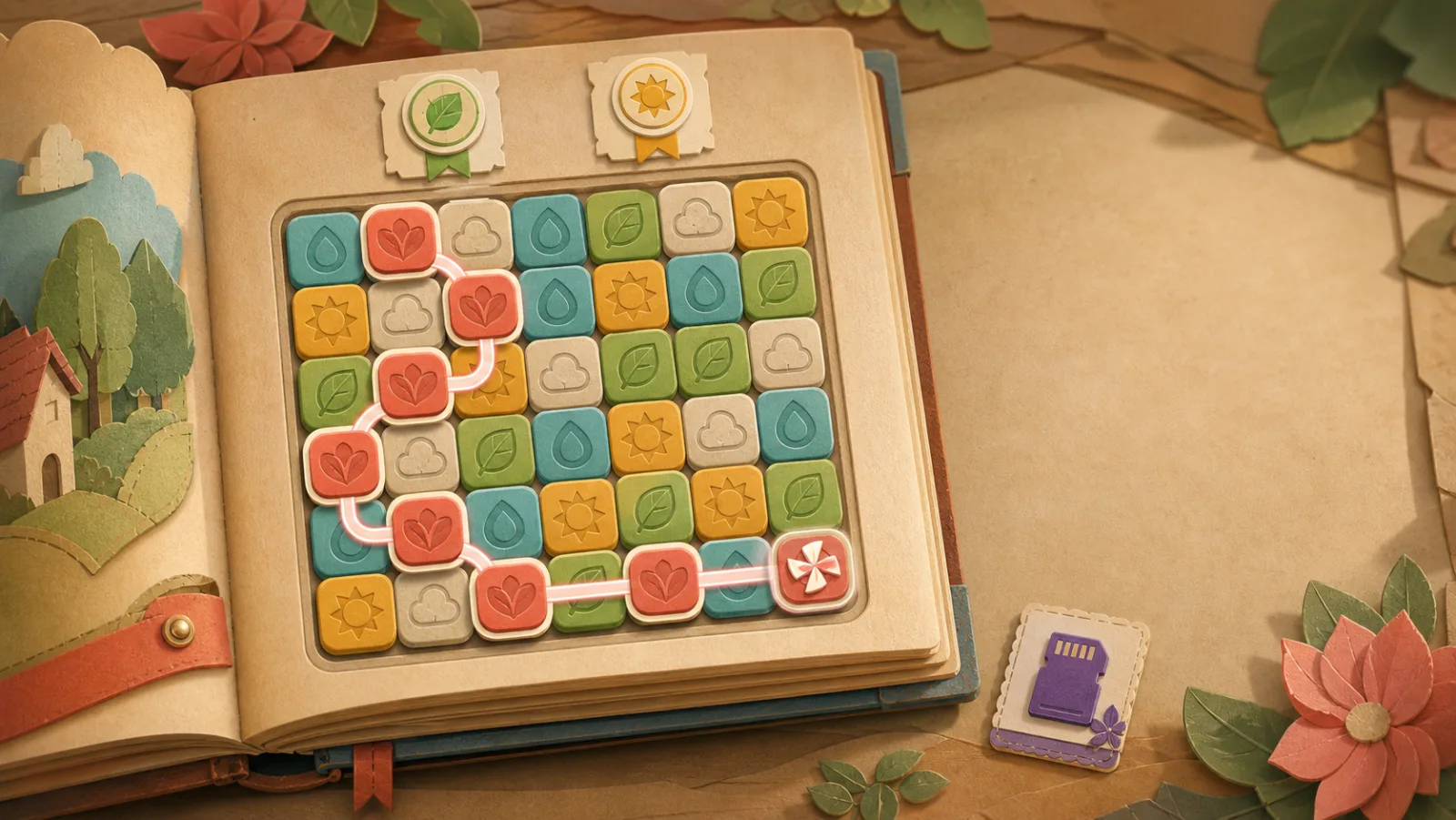
A tactile papercraft board with a long chain, objectives and a special tile.
Final-vision concept art

Core gameplay

A simple chain. A rule that opens under your finger.

Peel Tales begins with familiar adjacency and then rewards control. Reach the fifth valid tile and the corners open for the sixth and every valid link after it.

The exact rule

Orthogonal first. Diagonal when earned.

  1. Start on a selectable tile.
  2. Connect matching valid neighbors up, down, left, or right.
  3. Reach five selected tiles.
  4. From the sixth tile onward, true corner neighbors become valid too.
  5. Backtrack below five and diagonal candidates close immediately.

This is a deterministic educational diagram, not a playable copy of the game. It enforces the real rule: it will refuse a diagonal while the chain holds fewer than five tiles — including after you backtrack — and never allows repeated tiles or two-cell jumps.

Level 6 gameplay where Diagonal Flow is introduced. Gameplay capture · iOS Simulator
Diagonal Flow introduced at Level 6 · 0.8.9 (29)

Chain tiers

Every extra link should feel earned.

Normal · 3–5

A clean connection, clear score, and a precise paper response.

Flow · 6–7

Diagonal freedom, a stronger score beat, and the first long-chain reward tier.

Super · 8–9

A richer trail, a higher multiplier, and a controlled special opportunity.

Master · 10+

Premium feedback, a personal-record check, and the strongest bounded reward.

Special tools

Powerful because they are bounded.

Punch special tool tile.

Pulse

A compact local effect for the first long-chain reward tier.

Horizontal scissors special tool tile. Vertical scissors special tool tile.

Directional Cut

A controlled row, column, or directional clear that rewards planning.

Color removal special tool tile.

Color Removal

A high-tier tool that targets a color family without guaranteeing the level.

Punch and Scissors

Paper tools that make their effect readable before the board resolves.

One-shot gameplay guidance shown above the board. Gameplay capture · iOS Simulator
One-shot guidance above the board · 0.8.10 (30)

Objectives & materials

The board asks for more than one kind of answer.

Collection goals, blocker clearing, letter drops, hidden-object reveals, side targets, board shifts, and finale conditions rotate through the campaign. Tape, glue, ink, staples, folded locks, and thick paper are board materials to work through — not enemies.

  • Collect — gather what the level names, in the moves you have.
  • Clear — cut through material that resists a single touch.
  • Reveal — uncover letters and hidden objects beneath the board.
  • Finish — chapter finales combine the world's own conditions.
Board profiles
Profile Character
Balanced An even, readable spread of families.
Clustered Colors gather — long chains invite planning.
Volatile Faster variety, shorter windows.
Combo Friendly Openings for consecutive strong releases.
Constrained Tighter boards that reward precision.
Target Focused Objective families stay in honest reach.
Dynamic The profile itself shifts as the level unfolds.

Board Director

Controlled variety, not a coin flip.

A reproducible seed drives each board. Weighted color bags, recent-color history, density targets, local cluster control, target-aware spawn, profile selection, move checks, and anti-repeat comparison shape the result. The board can surprise the player without secretly punishing them.

When no meaningful chain remains, the game does not charge a move or wait for a dead tap. It reshuffles visibly, checks the new board, and falls back to a safe seed if needed.

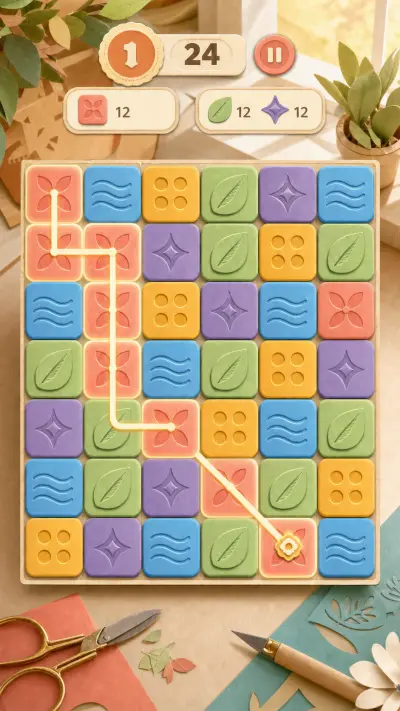
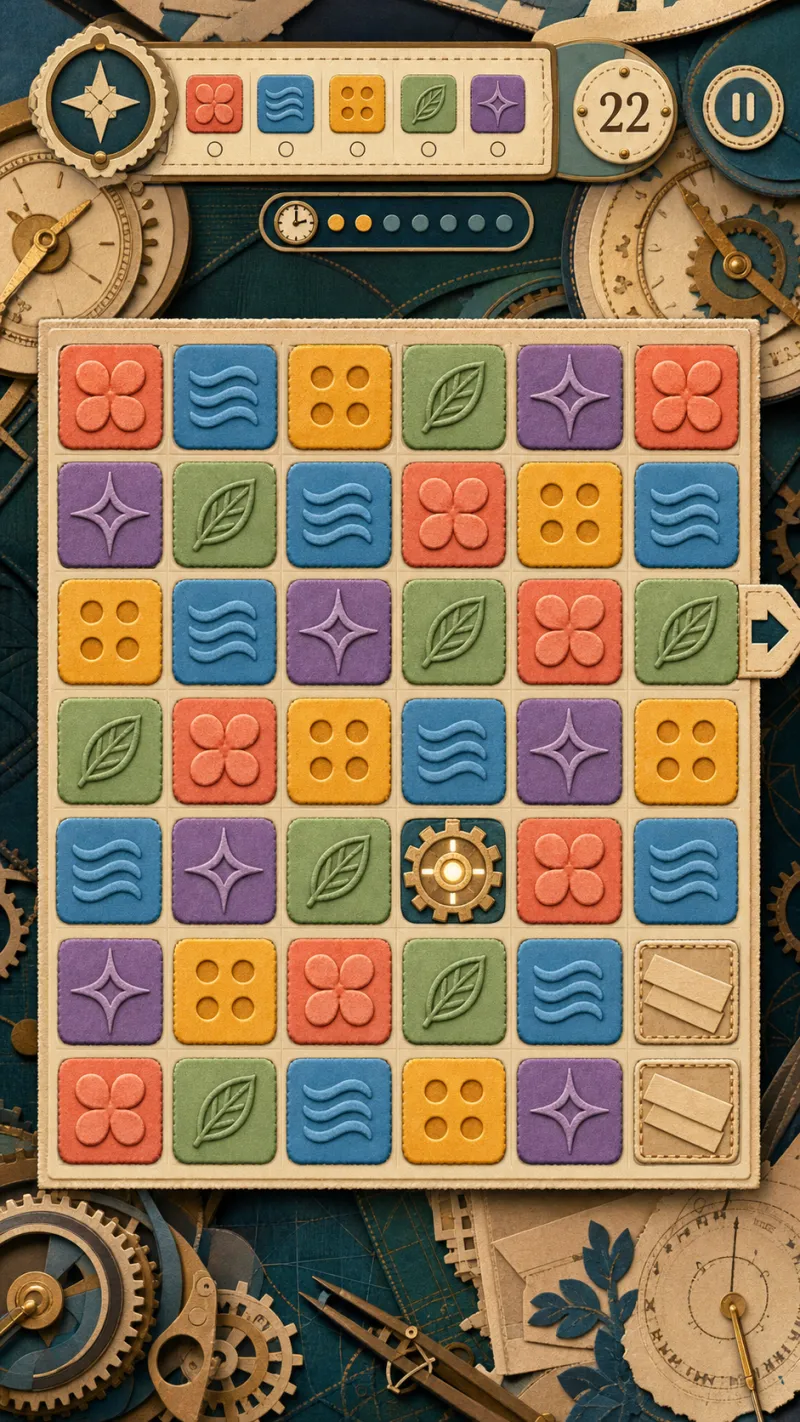
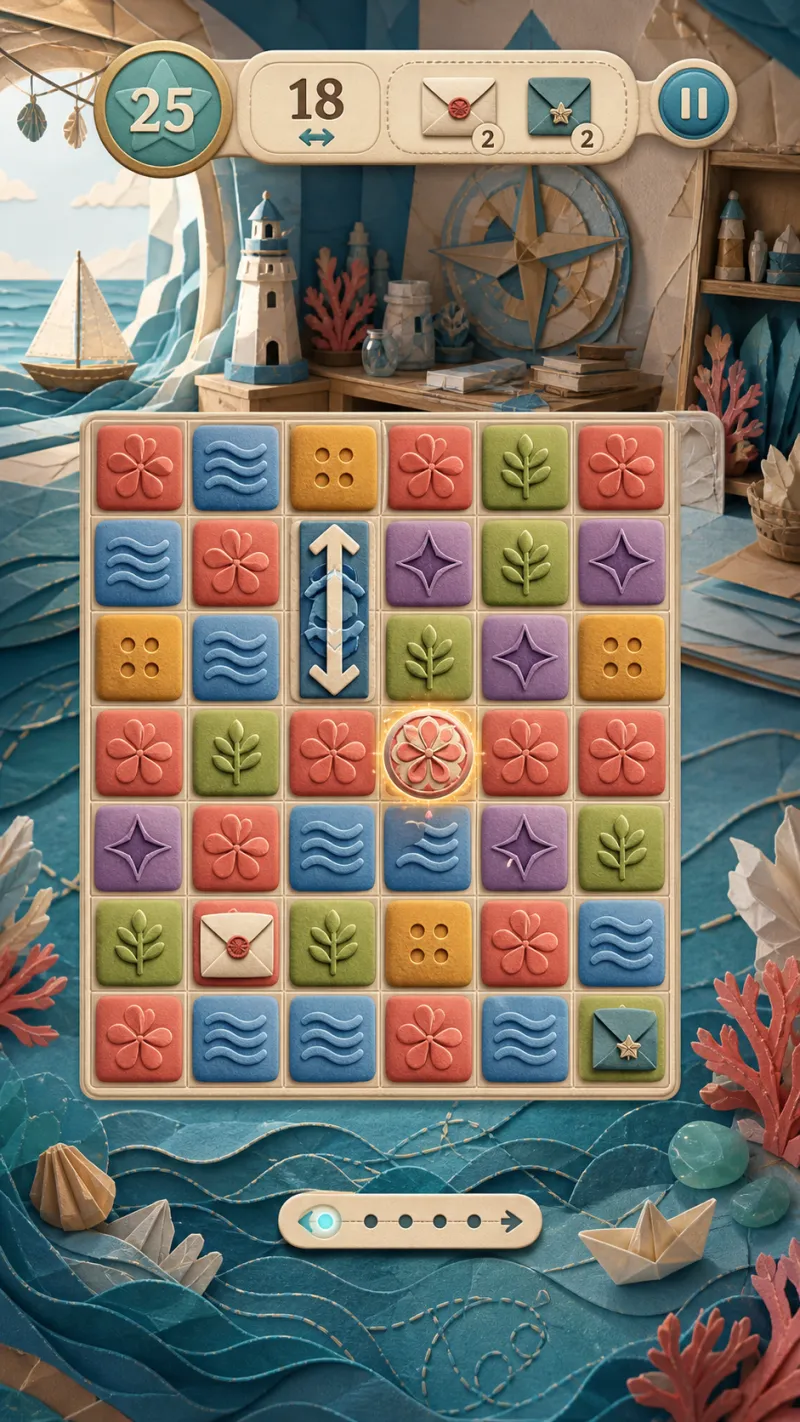
Five consistent tactile tile families and accessible interaction states. Final-vision concept
Tile families and interaction states — design study

Accessibility

State, shape, sound, and motion all tell the same story.

  • Embossed symbols reinforce color families.
  • Music, sound effects, and haptics can be adjusted independently.
  • Pattern support improves color differentiation.
  • Reduced Motion replaces strong transforms with calmer transitions.
  • Turkish and English UI support are part of the current direction.
  • Safe areas and readable contrast are explicit quality gates.
Settings screen with audio, haptic, language and motion controls. Gameplay capture · iOS Simulator
The settings screen today · 0.8.9 (29)

Moving proof

The chain rule, captured in motion.

Gameplay capture — iOS Simulator · 0.8.9 (29)
A chain interaction crossing into Diagonal Flow, recorded from the playable project in iOS Simulator. The clip is silent and never autoplays.